


Search works when you know the word. "Footsteps gravel" finds footsteps on gravel. It's less help when the brief says "something unsettling under the corridor scene" and you're not sure yet whether that's a drone, a room tone or a distant machine.
That's what browsing is for, and in 3.0 the browser has a lot more structure. Presets and sounds now sort into more than 300 subcategories, so you can get close to the right sound before you know what to type.
How it's organised
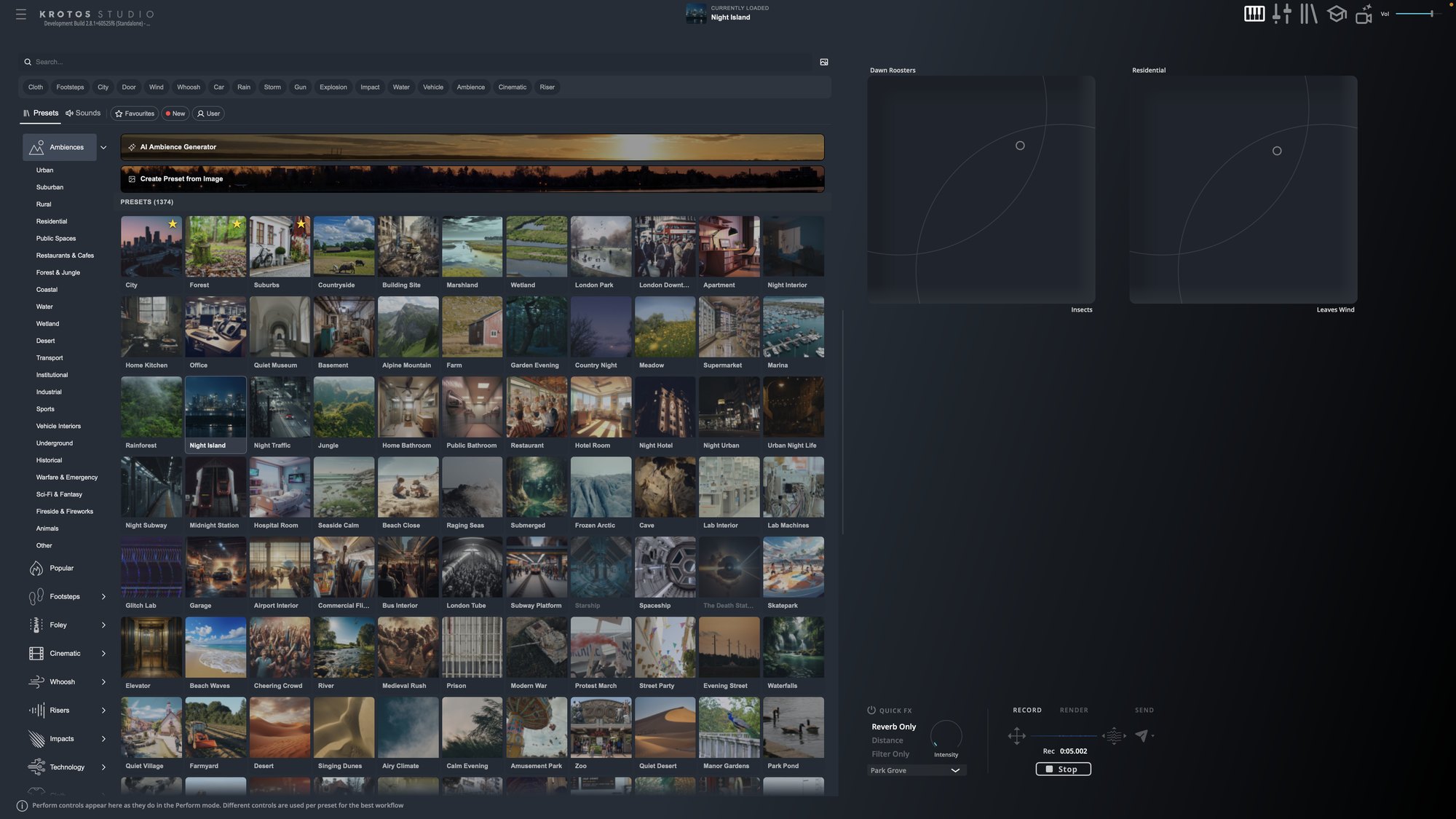
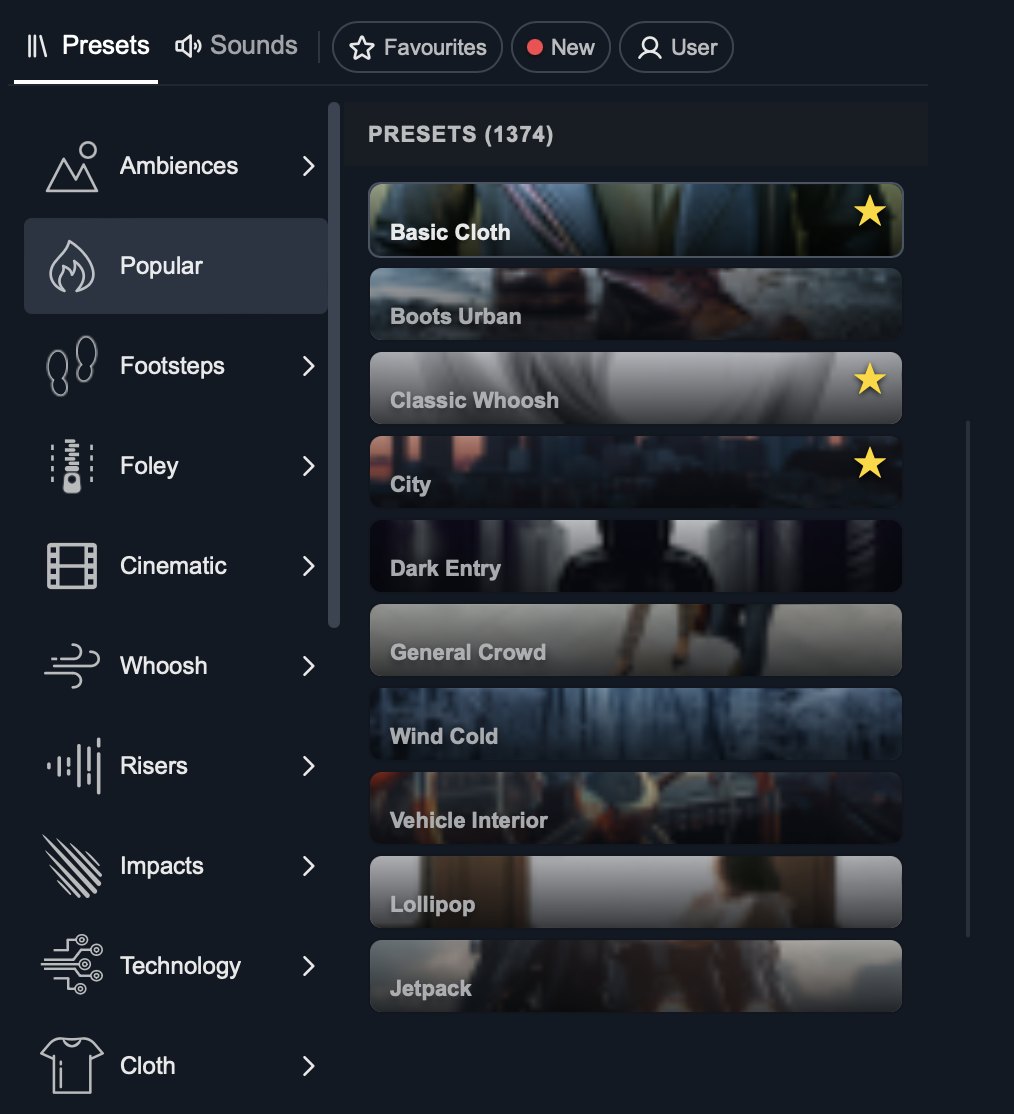
Top-level categories sit down the left of the browser: Ambiences, Footsteps, Foley, Cinematic, Whoosh, Risers, Impacts, Technology and more. Expand one to see its subcategories.
Some examples:
- Ambiences breaks into Urban, Suburban, Rural, Residential, Restaurants & Cafes, Coastal, Underground, Warfare & Emergency, Sci-Fi & Fantasy and more.
- Foley covers Cloth, Leather, Cooking, Glass & Ceramics, Mechanisms, Small Objects, Books & Paper and others.
- Cinematic splits into Impacts, Risers, Braams, Stingers, Drones and Morphing.
- Footsteps sorts by what's on the feet: Boots, Shoes, Sneakers, Heels, Sandals, and Socks & Bare Feet.
Get the next one in your inbox. We're writing up each part of Krotos Studio 3.0, plus what gets added every month. Join the Krotos newsletter.
Both tabs are organised
Subcategories run across the Presets and Sounds tabs. Find a performable ambience under Coastal, then switch to Sounds to browse the individual coastal recordings.
Combine it with search
Search inside a subcategory to tighten results further. The Sounds tab also shows a count per category as you search, so you can see where the matches are before you start scrolling.
More on that in the Sounds tab breakdown.
Get the next one in your inbox. We're writing up every part of Krotos Studio 3.0 as it lands, plus the new sounds and presets each month. Join the Krotos newsletter.