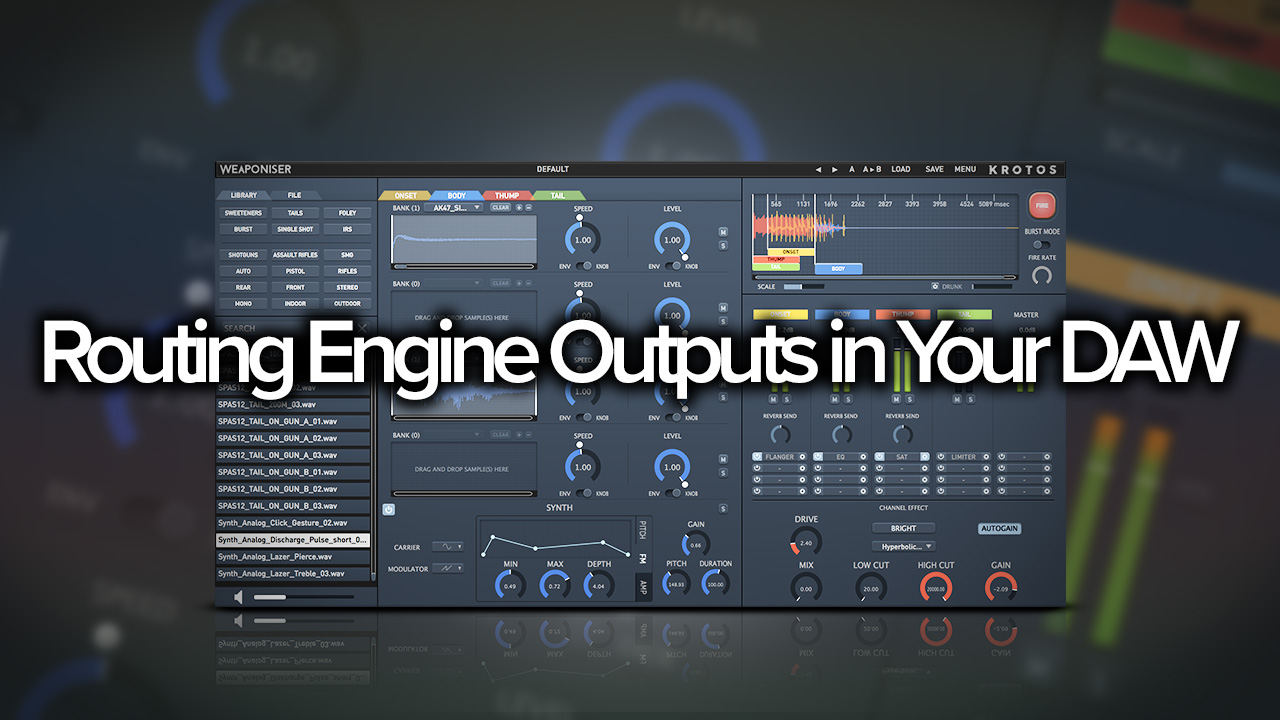
Routing Engine Outputs in Your DAW
Weaponiser is the only all-in-one solution for weapon sound design; providing a powerful and efficient workflow, a comprehensive library of professionally recorded weapons, carefully designed presets with high-end, real-time synthesis and unparalleled sound quality – making it the ultimate ‘go to’ tool-kit for creating dynamic assets.
This tutorial shows you how to route the outputs of the plugins’ flexible engines to multiple tracks in your DAW. This is ideal for quick rendering of individual layers of assets as stems for a mix, or to import into game audio middleware.
Related Videos
Weaponiser Overview
Weaponiser – Walkthrough
Weaponiser – Behind The Scenes