
Add texture to character voices with Dehumaniser 2 & Reformer Pro
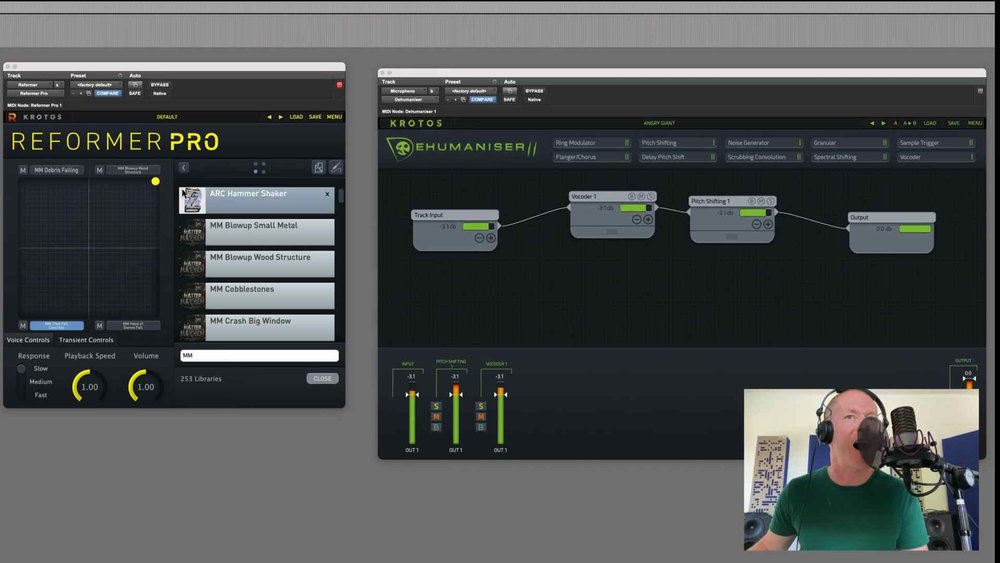
Paul Maunder over at Pro Tools Expert has put together this awesome video, demonstrating how you can use two plugins from the Sound Design Bundle, Reformer Pro & Dehumaniser 2 combined with two of our latest sound effects libraries, Penguin Grenade Arcs and Sparks, plus SoundMorph Matter Mayhem to create add excitement and texture to voice recordings, monster vocal sound effects and countless other voice sound effects for your projects.
Combining Krotos plugins with sound effects libraries
Paul combines Dehumaniser 2 with Reformer Pro and the Penguin Grenade Arcs & Sparks library to create some sci-fi inspired presets, before transforming himself into a rock giant with SoundMorph’s Matter Mayhem library.
“Reformer Pro is responsive to pitch and dynamics so it works extremely well with voices. The combination of Dehumaniser II and Reformer Pro makes for a very powerful voice processing system which is responsive to live inputs or existing recordings.
This performance-based approach means you can focus more on experimentation. It feels like a more organic workflow than manually editing sound effects.”
– Paul Maunder
Sign up to the Krotos newsletter and get free sound effects to your inbox every month!
Our monthly free sounds offer you a wide range of sound categories from Foley, combat sounds, impacts, animal sounds, to transitions and more!