

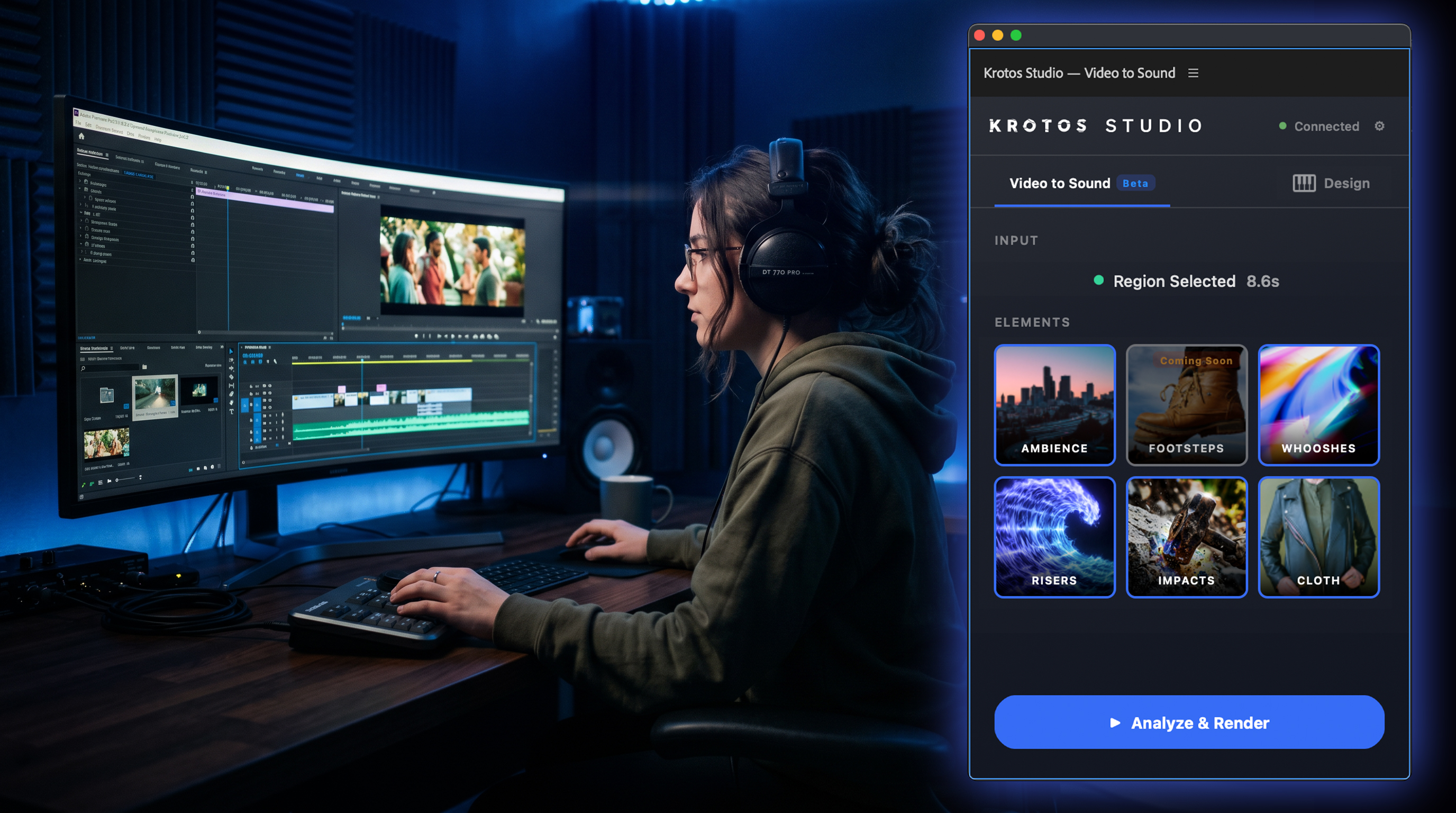
We run through five ways that video editors are using the Video to Sound Premiere Pro plugin in their workflows. Five use cases, in under five minutes, so you can get back to your session.
Mike walks through each one inside Premiere. Open the plugin, pick a category, drop a sound onto your timeline. No leaving the NLE.
What’s in the video
Five workflows, all inside Premiere Pro:
- Adding ambience on specific timeline sections using in and out points
- Running a full sound pass on an entire video
- Swapping whooshes one at a time
- Swapping impacts one at a time
- Cloth foley in isolation
1. Adding ambience on in/out points
When you need ambience for a specific scene rather than the whole video, set your in and out points on the timeline first. The plugin renders ambience that fits the exact section you’ve marked, and places it onto your timeline ready to fine-tune. Mike runs through a couple of examples back to back so you can see how the same category produces different beds depending on where you set the points.
2. Running a full sound pass
Got a full video that needs a sound pass end to end? The plugin runs across your entire timeline in one go and places sounds across the whole edit: ambience, impacts, whooshes, cloth, the lot. You end up with a fully scored timeline to refine from, rather than building from silence.
3. Swapping whooshes
Hit a whoosh in your edit that doesn’t quite land? You don’t need to leave Premiere to find a better one. Swap it for an alternative directly inside the plugin. Pick from the library, drop it in, move on. Mike cycles through a few options so you can see how fast it is to A/B different whooshes against the cut.
4. Swapping impacts
Same workflow as whooshes, applied to impacts. The process is familiar, the result type is different. If you’ve spent any time hunting through folders for the right thud, this is the alternative.
5. Cloth foley
Cloth foley is one of those things you either need a foley artist for or you skip and hope nobody notices. The plugin has a cloth category that handles it inside Premiere, useful for dialogue scenes where character movement needs body but the boom didn’t catch it, or for shots where the actor’s wardrobe needs to read as a specific texture.
Where to get it
If you want to see whether any of this fits your workflow, watching the video is the fastest way to find out. Five use cases. Under five minutes. Then back to your session.
The plugin is part of Krotos Studio. You can get both together at krotos.studio/premiere-pro-plugin.
