
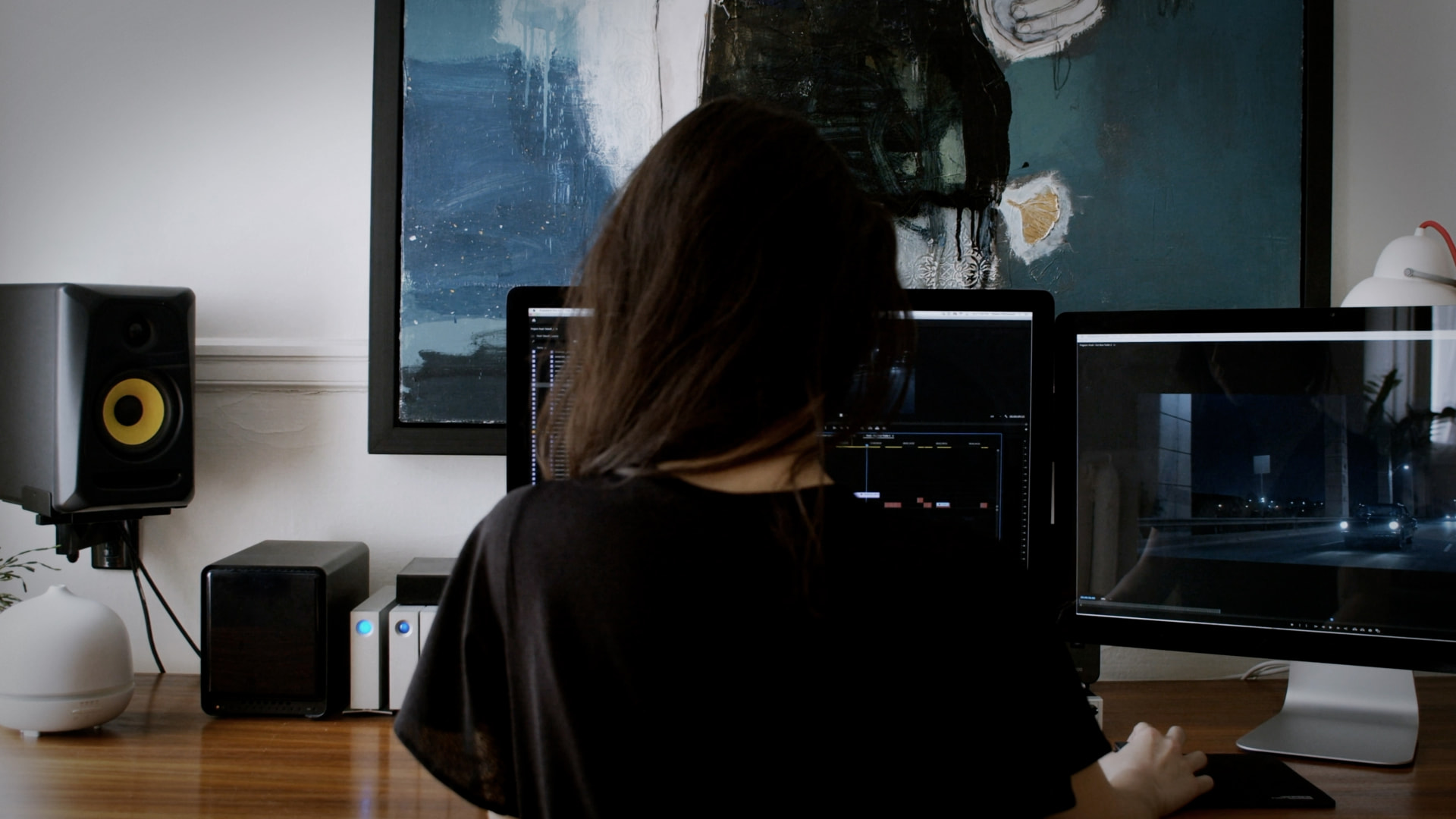
Video to Sound launched inside DaVinci Resolve on Friday 24 July. You select a region of your timeline, choose the kinds of sound the scene needs, and the plugin analyses the footage and places synced sound effects onto your tracks. If an effect does not suit the scene, you swap it for an alternative and it stays in sync.
It joins the Adobe Premiere Pro plugin released in June. Both are included in every paid Krotos Studio tier.
How it works
The core loop is three steps.
- Choose your elements in the plugin panel. You can currently select from ambiences, whooshes, transitions, risers, impacts and cloth.
- Set an in and out point on your timeline. Video to Sound only analyses what sits between those two markers, so the selection decides how much gets scored.
- Hit Analyse and Render. The plugin reads the region, selects sound effects to match it, downloads them, and places them on tracks already in sync with the picture.
Each element lands on its own track. Every clip behaves like any other clip on your timeline, so you can change levels or delete anything you do not want.
Swapping sound effects
If an effect does not fit the scene, the Results tab lets you replace it while keeping it in sync.
Ambiences use a grid of the clips added to your timeline. Select one, preview the alternatives, and swap. Whooshes, risers and impacts have two modes: Simple mode sets a style and intensity then swaps every clip of that element at once, and Advanced mode swaps individual clips. Swapping is available for every element except cloth.
What you need
- DaVinci Resolve Studio, the paid version from Blackmagic Design. Workflow integrations are not supported in free Resolve, so the plugin will not appear there.
- A Krotos Studio account. Video to Sound is part of the Krotos Studio platform, free to try and then available on the Studio, Pro and Max tiers.
When you run the Krotos Studio installer, tick the DaVinci Resolve integration at the components step. Then open Resolve and go to Workspace > Workspace Integrations > Krotos Studio.
Analysis allowances
Each analysed region counts as one analysis.
- Free accounts: 5 analyses in total
- Krotos Studio: 50 per month
- Krotos Studio Pro: 100 per month
- Krotos Studio Max: 200 per month
Monthly allowances refresh each month.
A note on the AI
The plugin is AI assisted, not generative. The AI decides which sound effects fit your footage and where they belong, drawing on a library of over 100,000 recordings made by our sound designers. It does not create or synthesise audio. Every sound that lands on your timeline is a real recording, and it is royalty free. We do not use your footage for training.
Footsteps and spot effects are coming to the plugin and will be included in your subscription when they arrive.
Getting started
We have written a full step by step guide covering installation, your first analysis, swapping effects and adjusting the mix: How to use Video to Sound in DaVinci Resolve.
New to Krotos Studio? See what it can do: krotos.studio
