


Today’s sound designers have some things easy, and some things harder. In turn, this also doesn’t mean there aren’t some truly amazing pieces of software being created for post-audio work. We certainly are in a Renaissance period of audio tools, just look at our own exploraions in video-to-sound to get an idea of how fast things are moving. So getting the lay of the land and knowing what is out there is a necessity in keeping pace with the times.
In this article, we aim to list some standout apps for Mac and PC that can find a home in any studio. Hopefully, paying dues to our peers that are also dedicated to audio innovation and the art of sound design. Of course, what can be considered ‘best’ depends on where your interests lie and what you need for the job, but we think we have something here for everybody.
If budget is a worry, also see our article on the Best Sound Design Software for Filmmakers on a Budget
1. Krotos Studio
AI-powered desktop app and plugin that lets you create custom high-quality sound effects and music in real time.
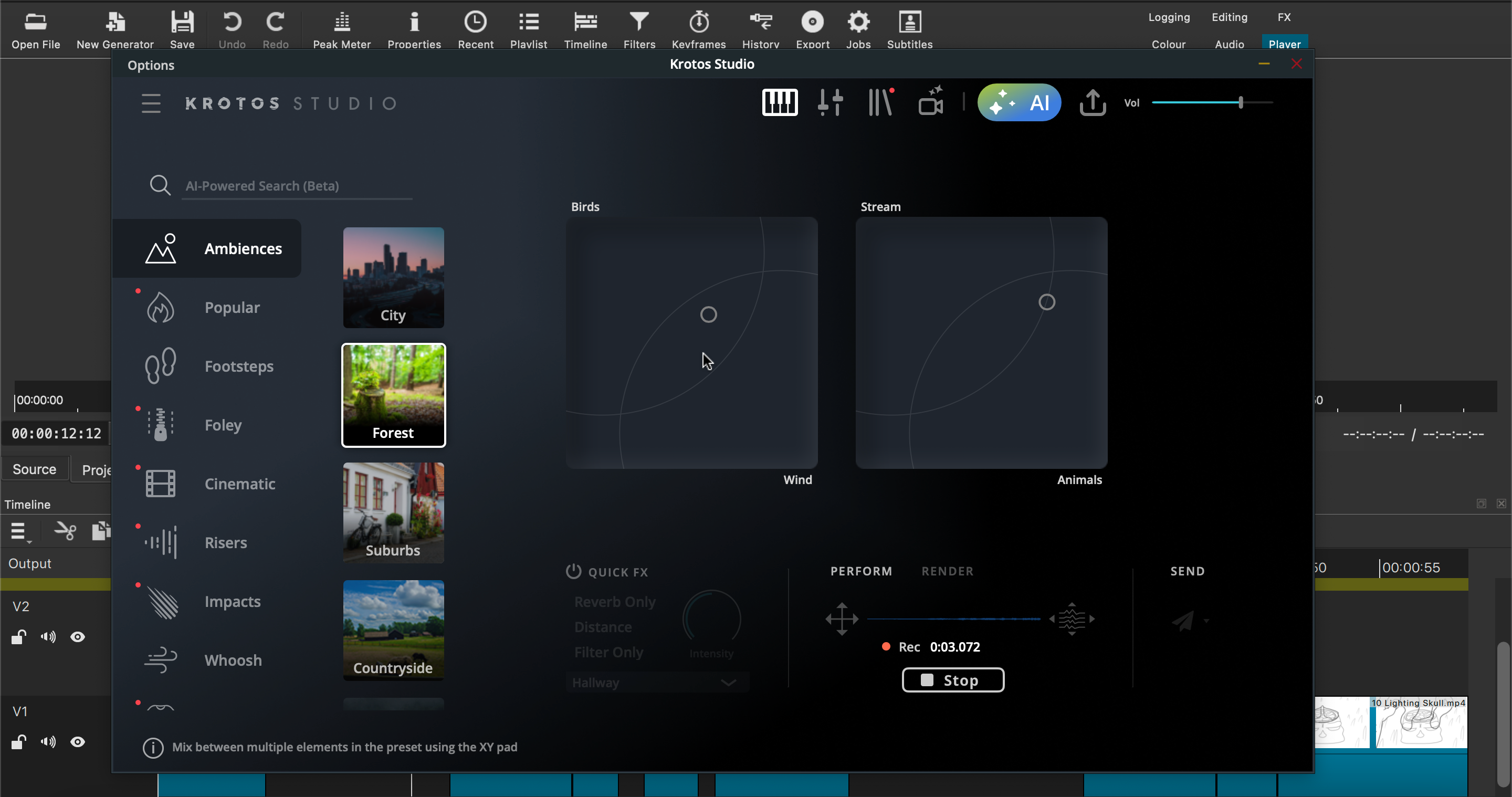
Want the equivalent of having a Foley studio, field recordist, and a composer inside your Mac or PC? Well, look no further than our very own Krotos Studio. Using state-of-the-art machine learning (not generative AI) and our own expansive catalogue of SFX, we have made a way for you to create, edit, and customise sounds in real time. Be it designing and triggering footsteps, making cinematic impact sounds, or vehicle sound effects, Krotos Studio has it all and more.
Working as a standalone app or as a plugin within your DAW, Krotos Studio makes it quicker and easier to create usable sounds for your project that you may be missing from your sound effects libraries, or that you've failed to capture in your sound recordings.
Pros of Krotos Studio
- Extenstensive Preset Library
- Integrated AI assistant
- Drag and drop boutique sounds to any DAW
- Create endless iterations of a needed sound until it’s just right
- With only a few clicks of a mouse, create unique, professional-quality sounds
Cons of Krotos Studio
- To use your own SFX requires Krotos Studio Pro
- Sounds are exported already processed and layered as one file (baked in)
- Doesn’t replace all recording and sound design jobs
2. iZotope RX 11
An industry-standard tool for fixing noise, spectral problems, removing wind, de-bleeding and much, much more
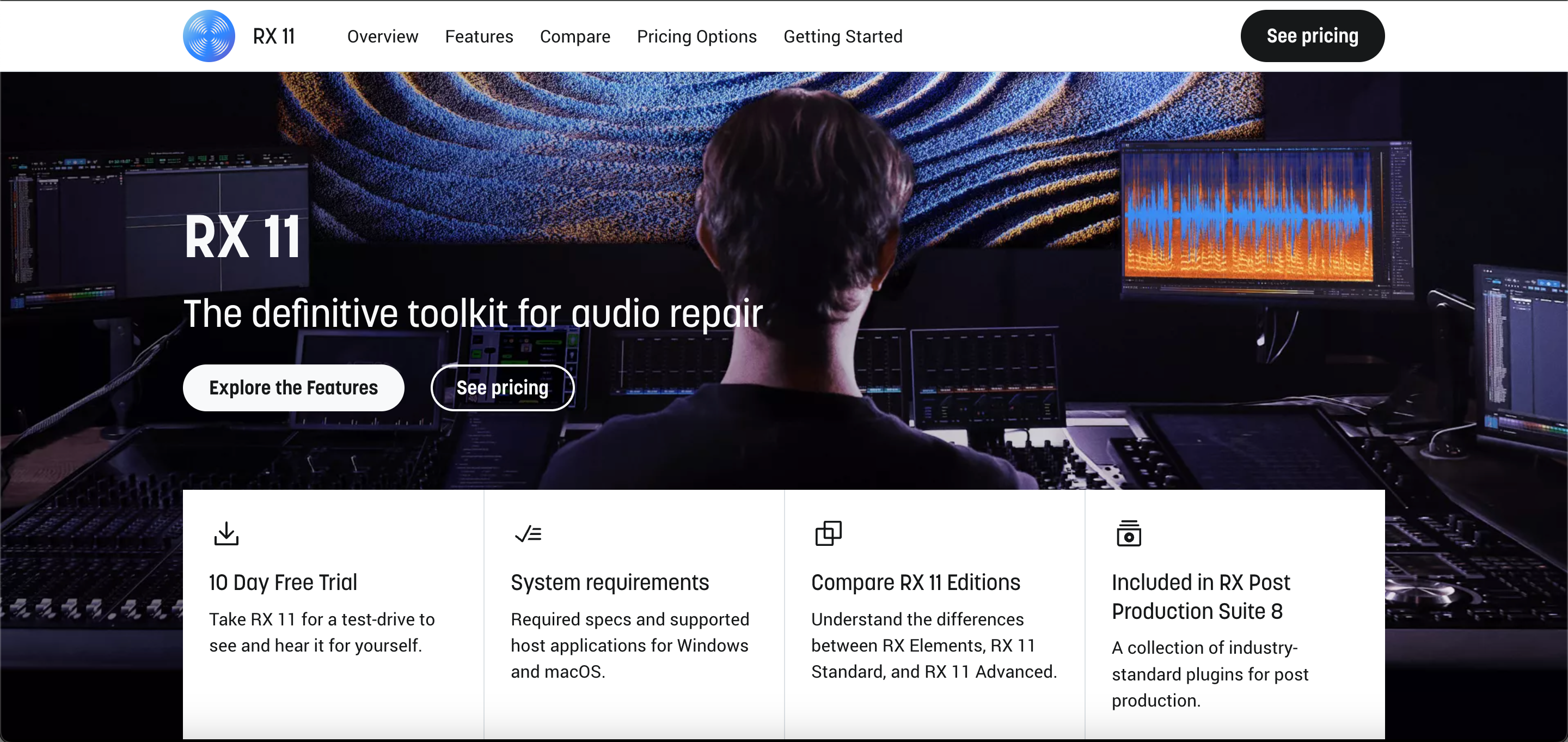
The industry standard in audio repair for years now, iZotope RX is a necessity for anyone working with recorded audio in any form. Whether it's the usual suspects of dialogue recording, such as a lav mic rustle or unpleasant reverb, matching the EQ of a real-world sound to your sound design, or de-noising your sound recordings to turn them into something no one has ever heard before, iZotope RX has the tools for you.
Acting as a standalone audio editing software, or inside your DAW as a plug-in, it has never been easier to refurbish and restore audio that would have been unusable only a few years ago.
Pros of iZotope RX
- An exhaustive amount of audio repair and editing tools
- Can save a lot of time and money in the long run by fixing problematic audio
- Can be used to get even more uses out of your pre-existing SFX
- Can be ‘misused’ for interesting experimental results
Cons of iZotope RX
- Hefty price tag for the full ‘advanced’ suite of tools
- May sometimes struggle with some audio faults in comparison to other audio repair tools
- Not necessarily a replacement for good sound recording, and can be exploited as a way to cut corners in production
3. FabFilter Pro-Q 4
An EQ that sets the standard in the world of music and any other audio application
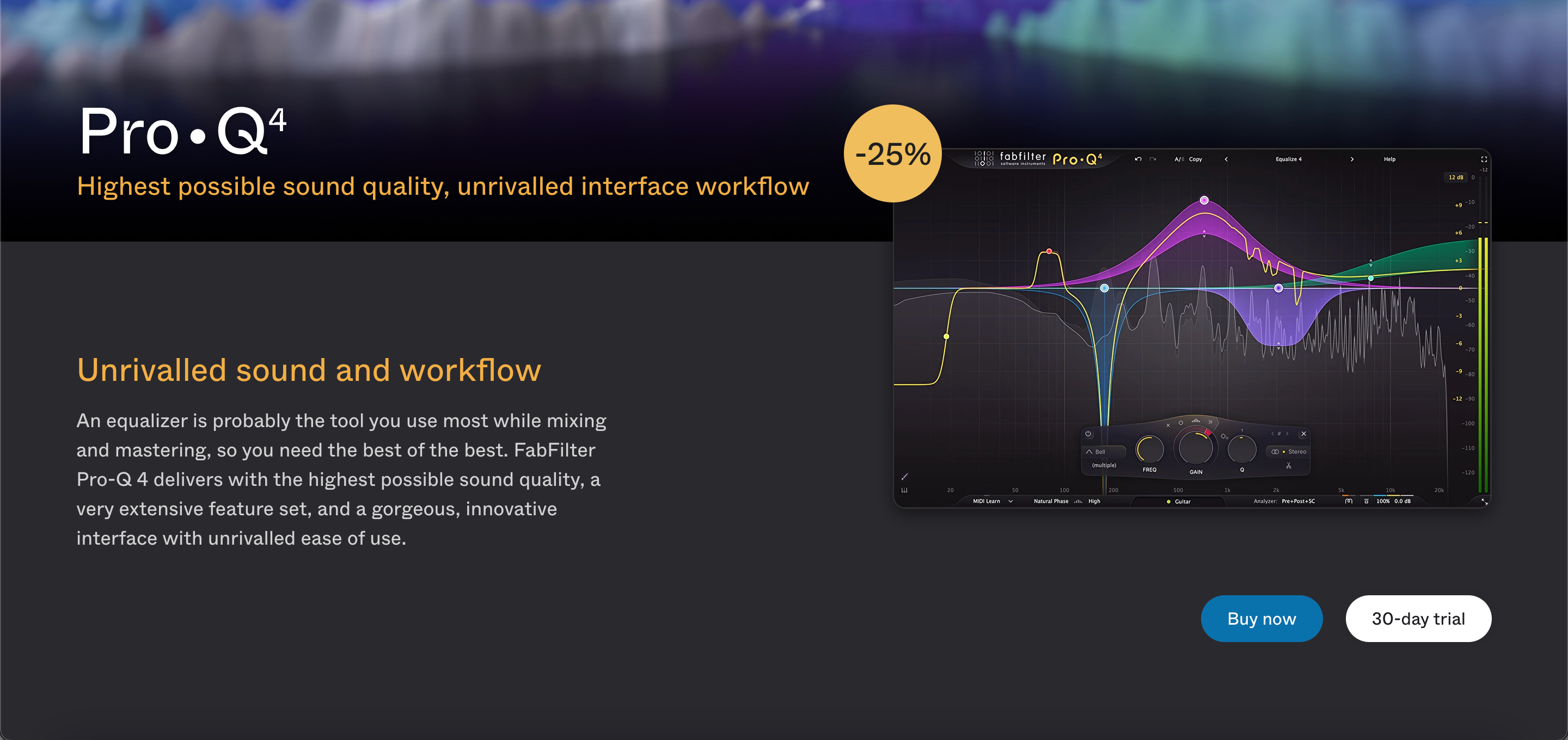
EQ is probably the most used tool in any sound designer's arsenal, or for anyone working with audio at all, for that matter. Being able to adjust and shape the frequencies of a sound is as fundamental as adjusting its volume, so investing in an EQ that does more than the generic one packaged within your DAW can pay back dividends.
FabFilter Pro Q has been a go-to for audio post-production for a while now, and it's not hard to see why. Spectral dynamic processing, infinite options for EQ curves, and full Dolby Atmos functionality, among many other features, make it incredibly flexible within most use cases that can be thrown your way.
Pros of FabFilter Pro Q4
- Highly usable UI that can control all uses of the EQ in your session from one window
- Built-in Spectral Analyzer
- Up to 24 EQ bands
- Contains a lot of smart tools for dealing with problem frequencies
Cons of FabFilter Pro Q4
- Still ‘just’ an EQ, with useful tools that expand its uses, but its main result isn’t far off from most modern EQs
- Expensive for an EQ (but fairly priced compared to a lot of plugins)
4. Soundly
Manage the sound files you already have on your hard drive, and find them when it counts
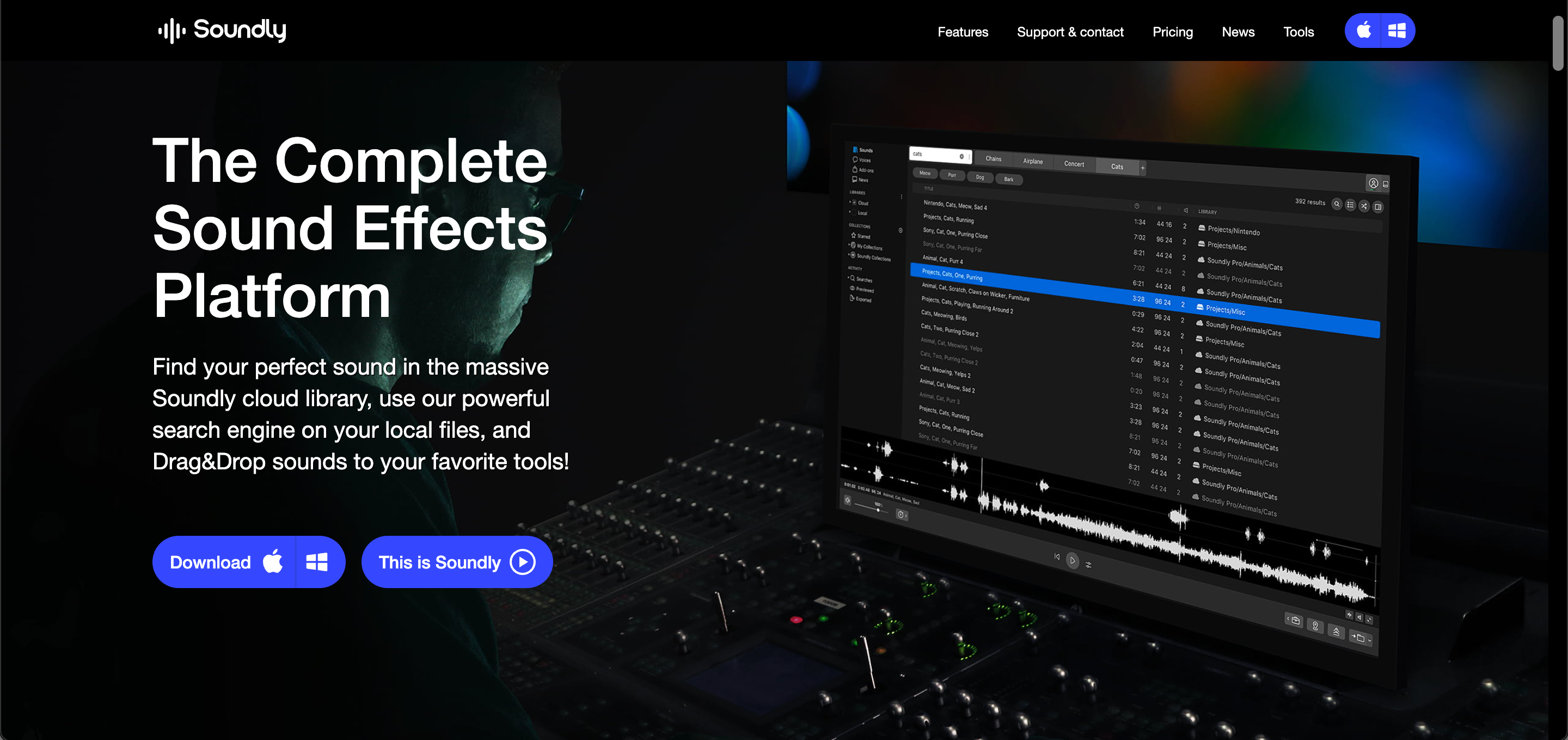
Offering a highly usable sound FX library, as well as a sound management platform to better organise your already existing SFX, Soundly is a trusted platform for making your sounds easier to find and implement within your projects. With more sounds always being added to its cloud library, as well as being able to export files directly from Soundly into your DAW of choice. A perfect choice for smaller projects with tight turnarounds, or as a way of supplementing and utilising your existing sound libraries.
They also offer a free version of the Soundly software, which comes with limited access to their sounds and previews of their premium content.
Pros of Soundly
- Built in SFX cloud library
- Metadata search functionality for finding/organizing sounds
- Easy to preview, import, and export audio from the platform
Cons of Soundly
- Monthly subscription cost for the full SFX cloud library and storage
- Not much need if you already have an organized SFX library you are familiar with
- Not all the sounds within its library are as usable as others
5. Phase Plant
Semi-modular softsynth developed for music producers and sound designers
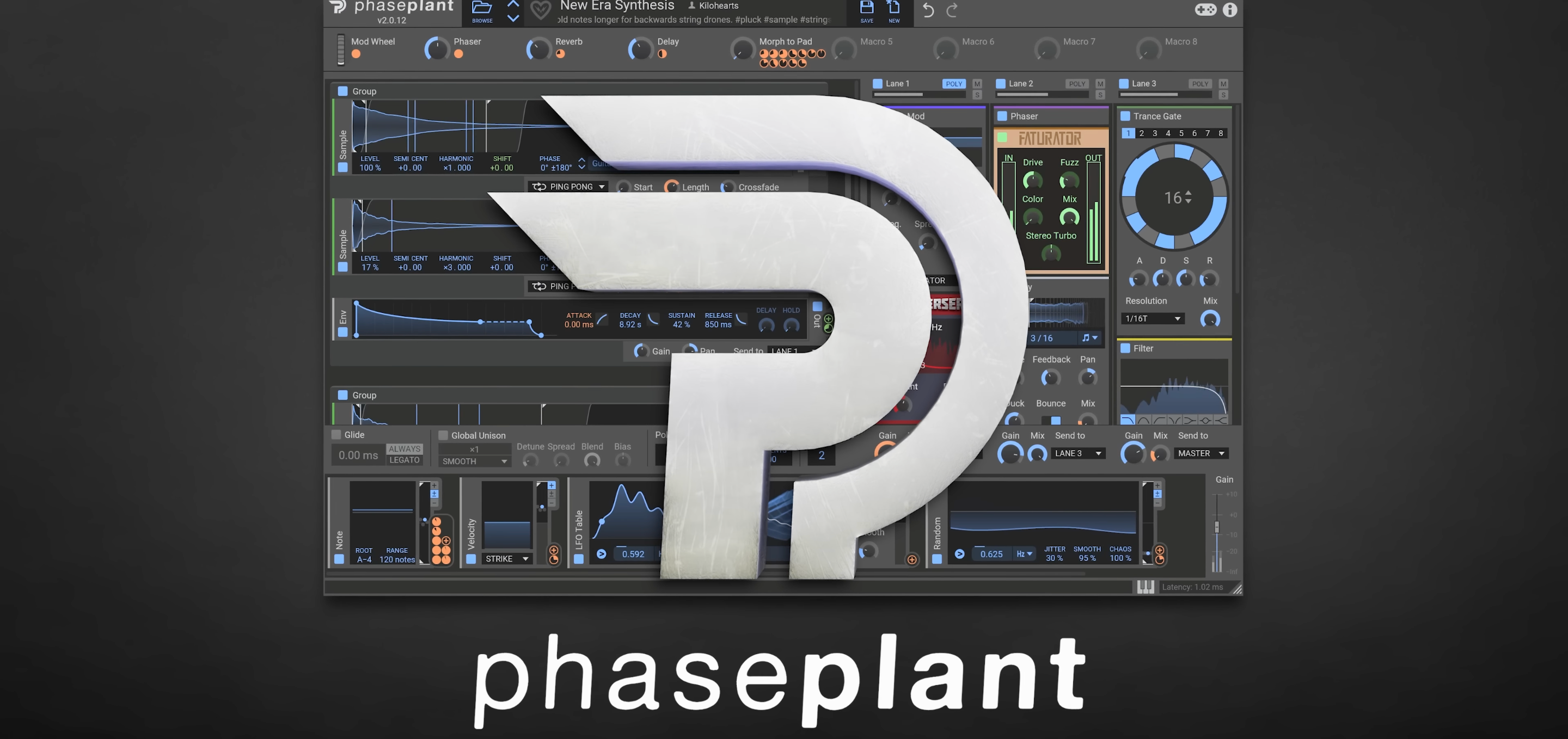
Every sound designer needs a synthesizer, but with so many to choose from that are designed predominantly for musicians, it can be hard to know which one to go for. Well, Phaseplant has you covered. Boasting the normal oscillators alongside wavetable synthesis, samples, as well as granulators and infinitely flexible forms of modulation, Phase Plant has a deep well of possibilities that reward experimentation.
Be it vehicle sounds or granulator-led atmospheres, Phase Plant is more than just a synthesizer. While it is undoubtedly great as a musical tool, its ability to let you shape and express sound makes it an invaluable tool for expanding your SFX into unknown territories.
Pros of Phase Plant
- Flexible synth engine with many options for sound generation/manipulation
- Comes with Kilohearts essential Effects
- MPE Compatibility
- Bottomless well of possibilities
Cons of Phase Plant
- It can be complicated to learn the full range of its capabilities
- Its depth could lead to a lot of time spent experimenting without guaranteed results if you are in a tight timeframe
6. Sound Particles
Hollywood's unseen secret weapon
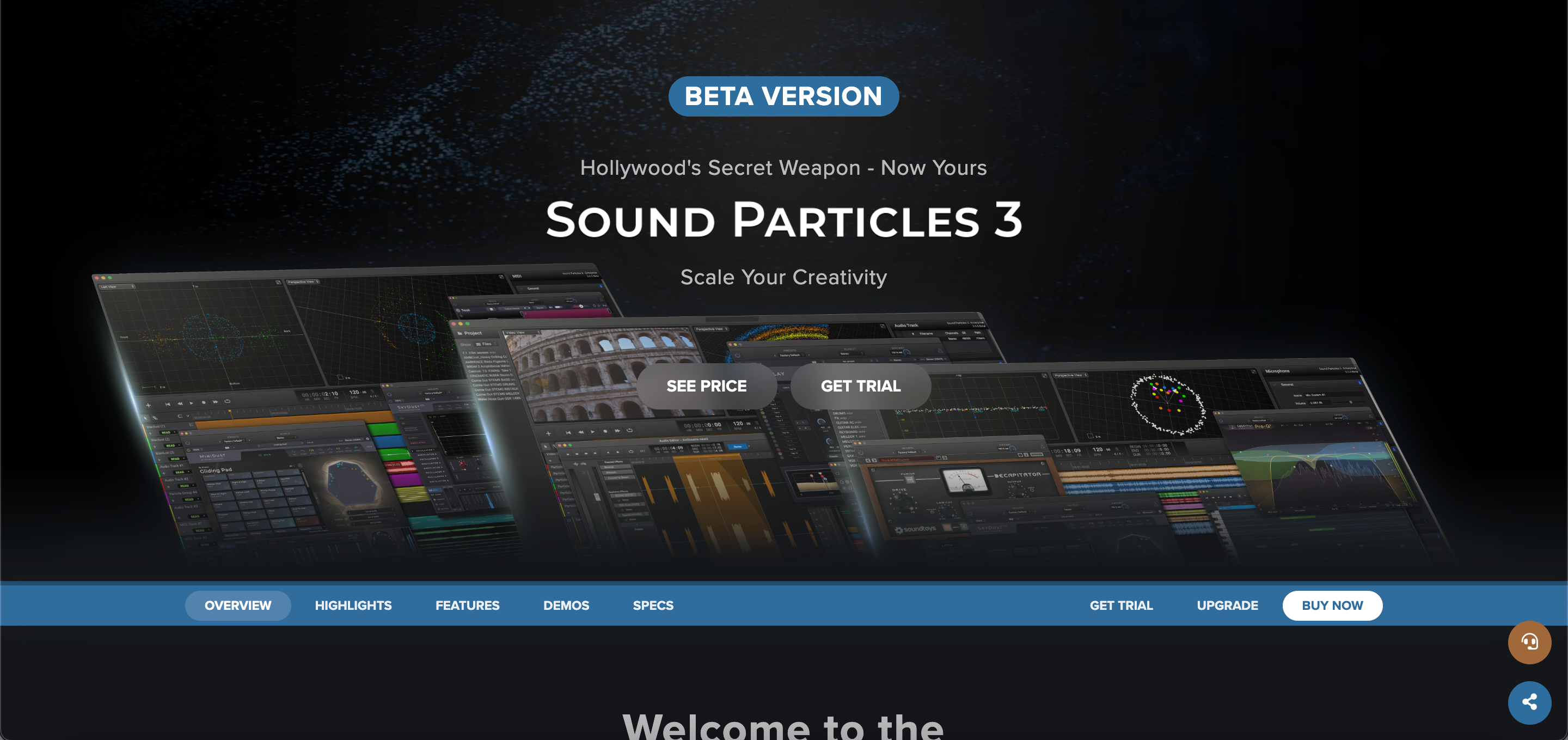
A standalone immersive audio workstation powered by 3D engines and particle systems, Sound Particles is a playground of tools that allow you to create variations from a single sound source, pan and re-record them with virtual microphones, granulate, destroy, arrange, and much more than is possible to list in this article. Think of it more like a CGI engine for sound, made for post-audio work and surround sound. Compatible with your plug-ins and virtual instruments, and with its own built-in AI assistant (not generative), Sound Particles is truly a massive application for Sound Effects creation and processing.
It even includes its own audio recording, multitracking, and editing, as well as its own file management system for your sounds. So if need be everything can be done within its framework. A true beast that has been used in countless Hollywood productions.
Pros of Sound Particles
- Usable for everything from sound effects creation, spatialization, processing, score composition, etc.
- Can convert CGI files directly into parameters to control sound
- Batch processing of sounds
- Compatible with ambisonic speakers, 3D audio, Adobe Atmos, etc.
Cons of Sound Particles
- Hefty price tag for the full range of its capabilities
- A large learning curve to get used to
- It might only be necessary for larger-scale productions, with cheaper, less complicated options offering some of its functions
