
Stranger Things Sound Effects: A Pro Tools Session Deep Dive with Lorenzo Mastrocinque
If you’ve ever wondered how Stranger Things sound effects feel so alive — the fleshy horror, the surging supernatural energy, the ominous ambience that makes an ordinary hallway feel cursed — it comes down to one thing: layering with intention.
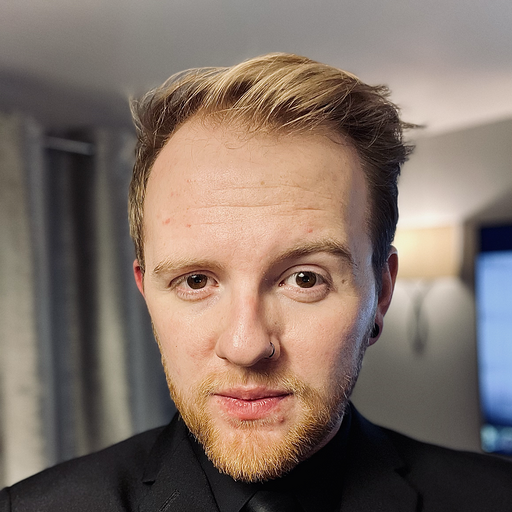
In this behind-the-scenes breakdown, sound designer Lorenzo Mastrocinque, collaborating with Krotos, opens his Pro Tools session and walks through exactly how he constructs a Stranger Things-style soundscape from the ground up. Instead of vague theory, this is a practical look at what sounds he picks, why he picks them, and how he stacks them together so every moment hits.
Let’s step into the session.
Building the Atmosphere: The Haunted House Foundation
The scene begins in an enchanted house — instantly establishing tone. And just like in Stranger Things, the ambience is not “one sound.” It’s a system of layers that work in cohesion.
Lorenzo starts with:
- Thunder and storm beds to create scale and tension
- Ambulance sirens in the distance for unease and realism
- Low drones to support dread
- Wind layers to add movement and space
This is a classic approach for Stranger Things sound effects:
real-world elements (sirens, wind) + cinematic/supernatural elements (drones, thunder design), blended until the scene feels both grounded and otherworldly.
Creature Detail: “Guts and Flesh” Hand Sound Effects
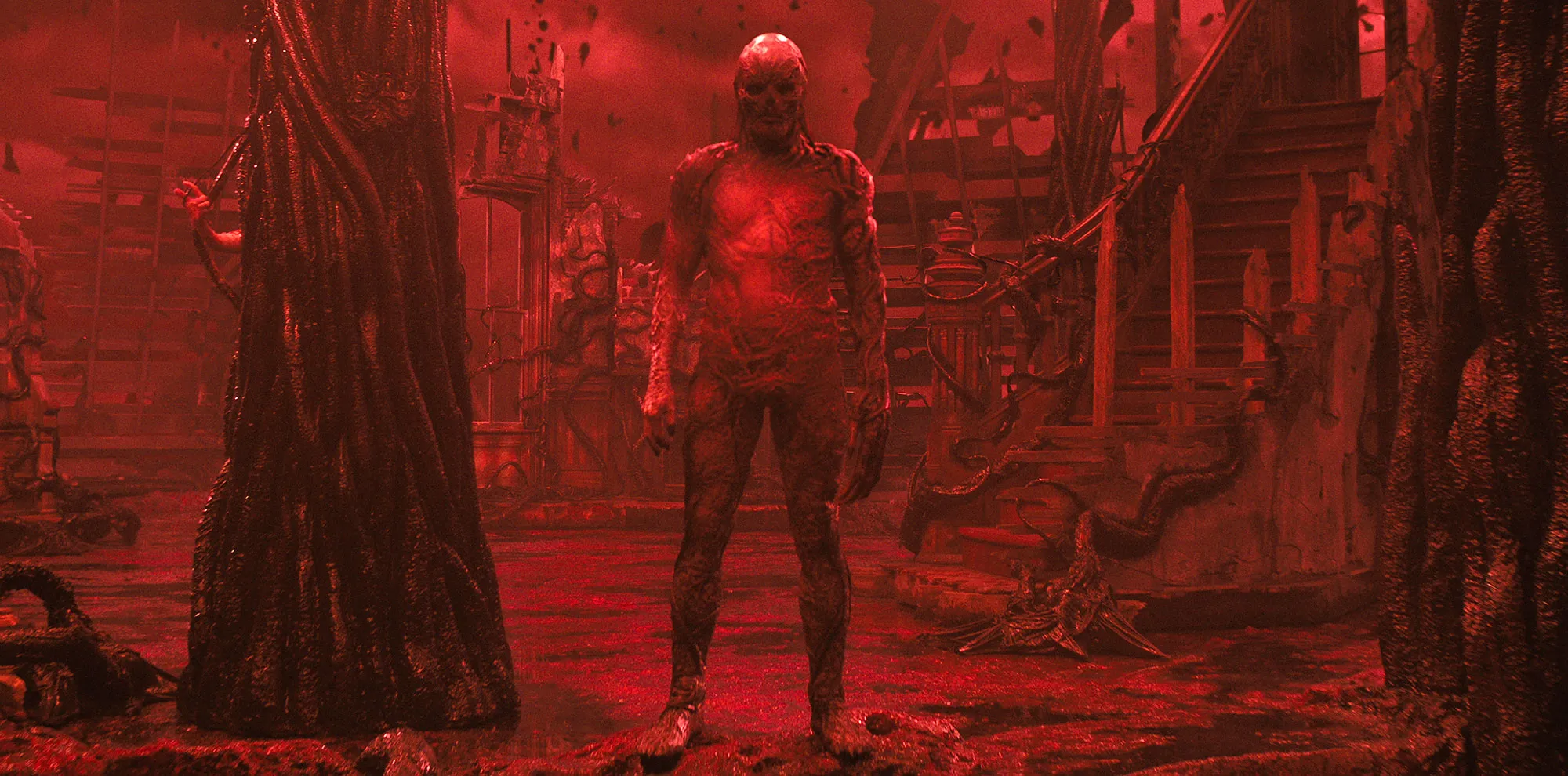
Next comes a visceral close-up: a “hand” with guts and flesh movement. This is where Krotos Studio Pro shines, because Lorenzo doesn’t hunt through random assets — he targets a specific texture family.
He pulls a preset designed for organic horror:
- Krotos Studio Pro “Guts and Flesh” preset
That single choice gives him immediate wet, squishy realism, the kind of tactile detail you hear in monster scenes throughout Stranger Things.
Then he adds sweeteners — subtle supporting layers that enhance clarity and impact. Sweeteners are key in Stranger Things sound effects because they help translate a sound’s intention to the audience. You may not consciously hear them, but you feel them.
Foley the Stranger Things Way: Sneakers with a Mouse
Here’s one of the coolest workflow moments in the transcript:
Lorenzo performs footsteps using Krotos Studio Pro, literally doing foley with a mouse.
He loads:
- Krotos Studio Pro Sneakers Surface preset
This gives four realistic surface options:
- concrete
- dirt
- mud
- leaves
For this running section he chooses:
- Dirt surface for gritty momentum
- A final heavy stomp for the jump
It’s a perfect example of modern foley design for Stranger Things sound effects: fast, performance-based, and synced to picture without needing a full foley stage.
Human Layering: Breaths, Screams, and Pre-Baked Space
To bring the character into the soundscape, Lorenzo adds custom recorded vocal elements:
- breaths recorded by a friend
- a small scream
Notably, these already have a sense of space (reverb) — which helps them sit in the haunted environment without needing heavy extra processing.
Why this matters for Stranger Things sound effects:
The show constantly balances human vulnerability against massive supernatural threats. Breath, panic, and strain are often as important as monster sounds.
The Big Moment: Designing the Jump with Three Layers
For the jump scare / action beat, Lorenzo uses three core sounds, each with a specific job:
- A big foundational impact (weight and shock)
- A lightning/thunder wave with organic movement
- A sharp, characterful signature layer
That third layer is where the scene becomes “Stranger Things-level.”
He calls out a preset he loves:
- KSP “Dark Strike” preset
He describes it as having:
- lightning energy
- thunder atmosphere
- organic motion
- a “crazy wave” feel
This is a textbook Stranger Things move:
one iconic signature layer that makes the moment feel supernatural, not just loud.
Enhancing the Impact: Sweeteners, Laser Energy, Organic Texture
Once the core jump is working, Lorenzo adds detail layers to sharpen the emotional read:
- sweeteners to brighten and punch
- laser beam elements for sci-fi edge
- organic textures for complexity
He also uses another standout preset:
- Electro Sniper
He likes it because of the built-in modulation wobble — giving the moment instability and menace.
This kind of blend is a cornerstone of Stranger Things sound effects:
Organic horror + electronic modulation = supernatural tension
Risers and Tension Curves: Making the Scene Lift
To build anticipation, Lorenzo layers multiple risers from Krotos Studio presets:
- Ripple Riser Texture
- Ripple Riser Tonal
- Ripple Riser Metallic
- KSP “Ringing Riser”
Each riser adds a slightly different shape:
- texture gives grit
- tonal gives pitch expectation
- metallic adds threat and spark
- ringing adds haunting character
He drops a crucial line:
It’s not enough to have good tools — you need to know your library.
That’s the deeper lesson here. Stranger Things-style sound design isn’t magic. It’s library fluency + scene intent.
Why These Stranger Things Sound Effects Work
If you zoom out, Lorenzo’s workflow is built on five principles that apply to anyone chasing Stranger Things sound effects:
- Start with atmosphere
Establish the world before the moment. - Choose one “truth” layer per sound
Guts preset for guts. Dirt sneakers for dirt. Don’t overcomplicate your foundation. - Add sweeteners for translation
Sweeteners help your sound read emotionally. - Blend organic + electronic
This is what makes a scene feel uncanny and modern. - Use risers to guide attention
If the audience feels the lift, the payoff hits harder.
Try This Workflow in Your Own Pro Tools Sessions
Want to build your own Stranger Things sound effects-style moments?
Here’s a simple method inspired by the session:
- Lay down a storm/ambience bed
- Add low drones for dread
- Insert character foley (performed, not pasted)
- Pick one signature supernatural layer
- Enhance with sweeteners + modulation FX
- Use multiple risers with different roles
- A/B against the final picture constantly
You don’t need hundreds of random layers — you need layers with purpose.
Final Thoughts
This session walkthrough shows why Lorenzo’s sound design lands:
he’s not stacking sounds to fill space. He’s stacking sounds to tell the story of the scene.
From thunder and sirens to flesh textures, mouse-performed dirt footsteps, and the “Dark Strike” jump signature, every choice is in service of vibe, clarity, and dread.
If you’re chasing Stranger Things sound effects energy in your own work, take this as your blueprint:
know your library, layer with intent, and make every sound earn its place.